Retro Arms: Differences Between Versions and How to Identify Yours
001
002
Retro Arms: differences between versions
When a product exists in multiple versions, the most common mistake is not assembling the kit incorrectly — it’s ordering the correct kit for the wrong version. This happens easily with Retro Arms if you rely only on a quick photo or assume “they’re all the same.”
In reality, there are several versions with clear visual differences and, as a result, different compatibilities. This article explains how to identify them, what changes between them, and what you should check before ordering.
001
Why correct identification matters
With parts like this, even a small geometric difference can completely change how the kit fits. That’s why the key question is not just “what brand do I have,” but which exact version you’re dealing with.
Correct identification helps you avoid:
- ordering a kit that doesn’t fit properly
- wasting time on unnecessary modifications
- blaming print quality when the issue is compatibility
- turning a simple assembly into a complicated one
The three main versions
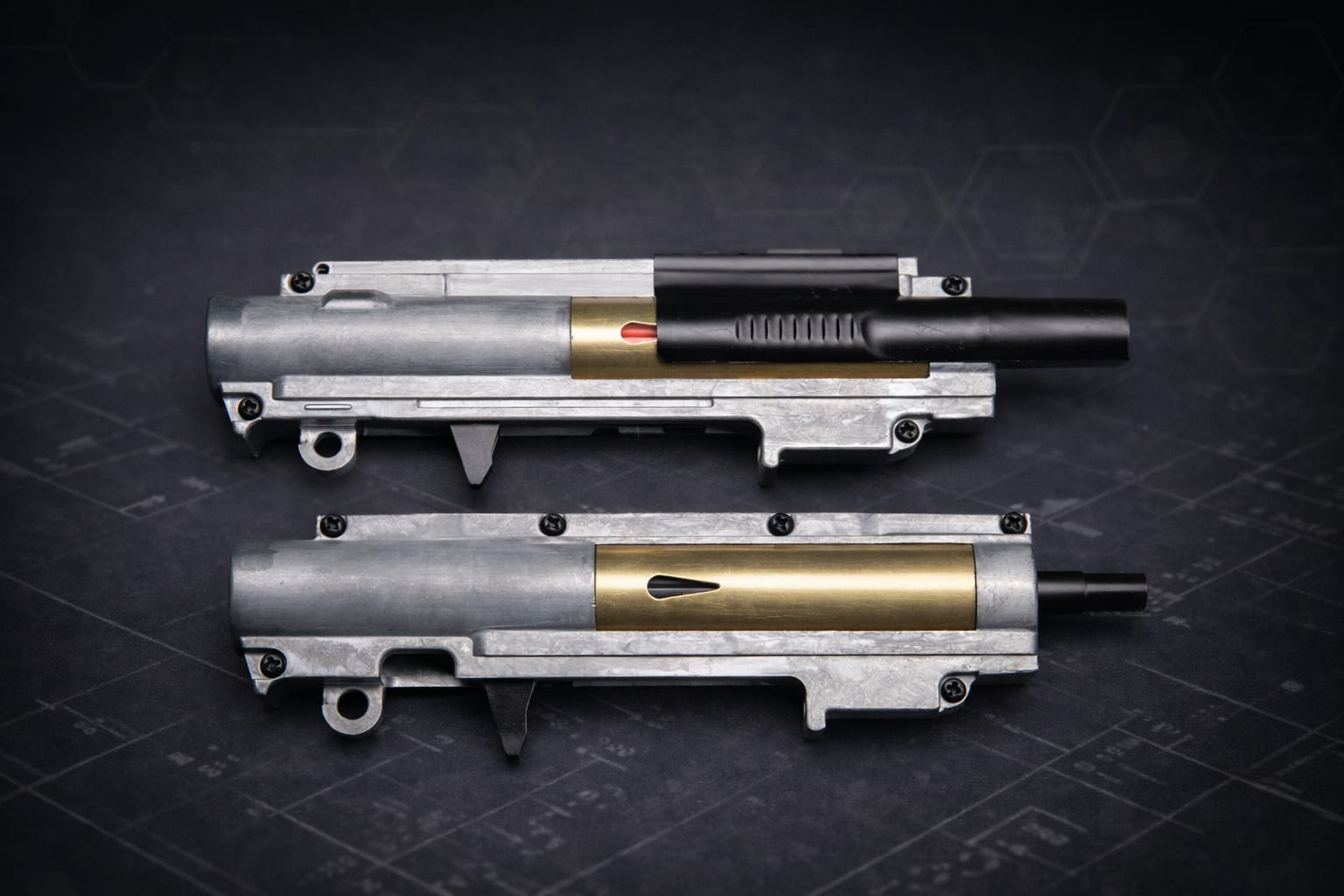
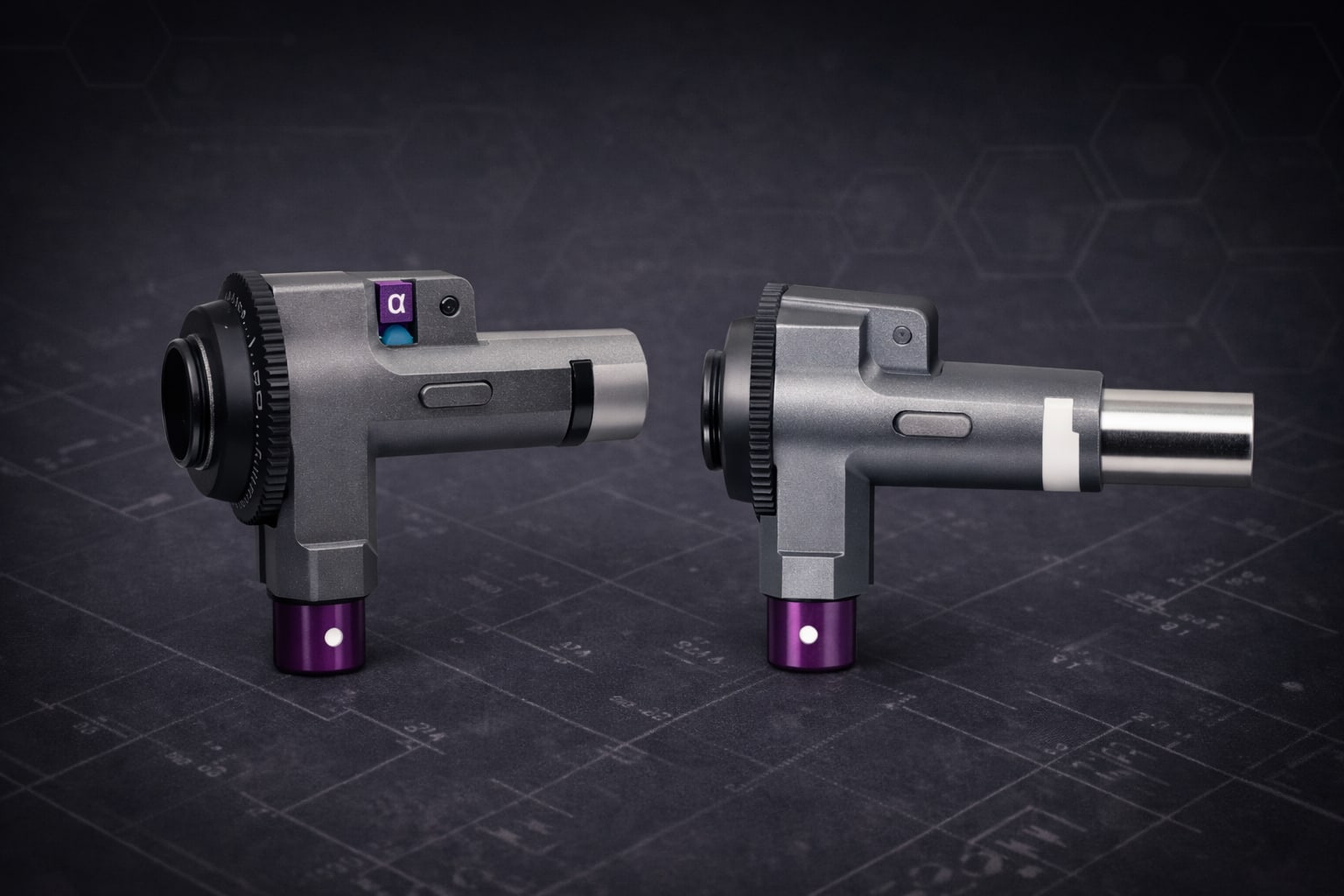
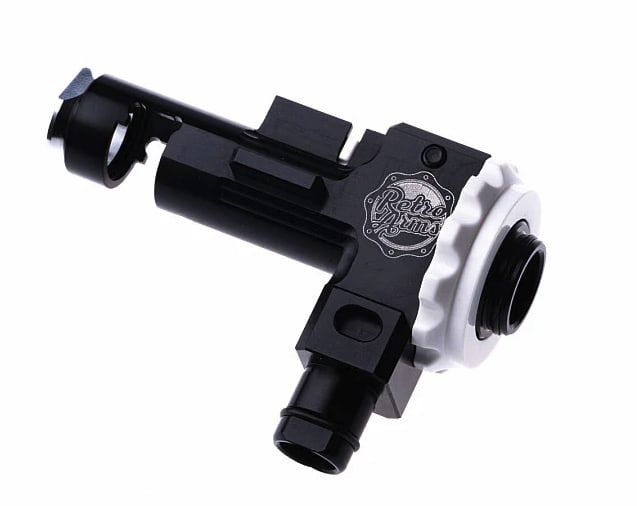
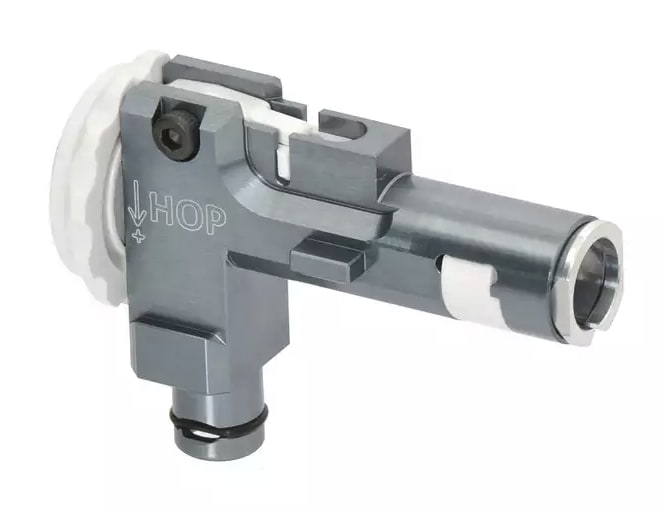
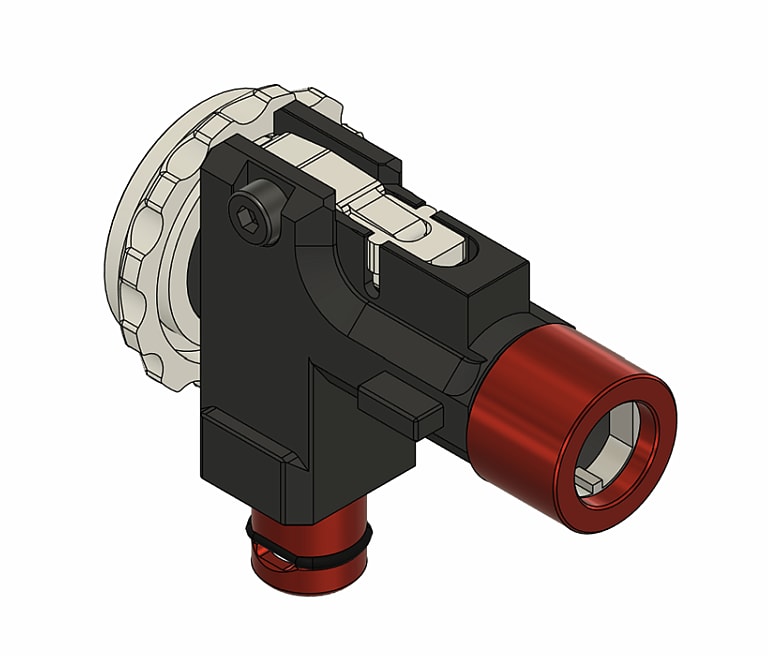
According to Sychev Lab, there are three main versions:
| Version | Visual identification | Approx. price |
|---|---|---|
| Basic | Bluish-grey color | €102.32 |
| CNC Ultra | Red details | €51.00 |
| V2 | Solid black with side notch | ~€35.00 |
Prices are approximate. What really matters here is the visual identification.
Key detail: the V2 side notch
The V2 version is identified by a very clear feature: a notch on both sides.
This is not just cosmetic — it directly affects compatibility with the correct kit.
How to identify your version easily
Basic
If the part is bluish-grey, that’s the easiest indicator of the Basic version.
CNC Ultra
The CNC Ultra is identified by its red details, making it easy to spot even in photos.
V2
The V2 stands out by:
- solid black finish
- distinctive side notch
If you’re unsure, check the notch first — it’s the most reliable indicator.
What to check before ordering
Don’t rely on memory or old product photos. Before ordering:
- take clear photos of both sides
- confirm the overall color/finish
- check for the side notch
- send those references if you’re unsure
This takes one minute and avoids major issues later.
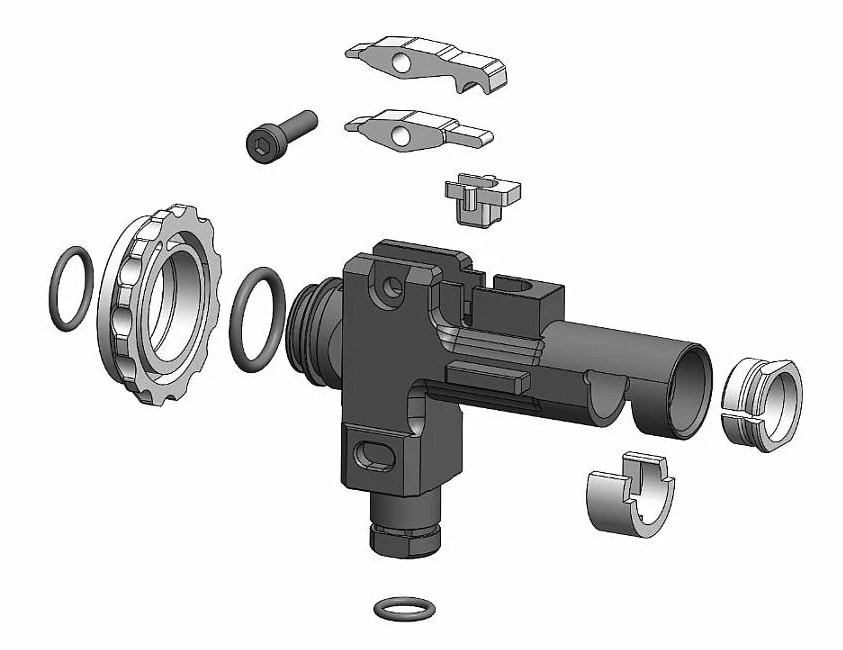
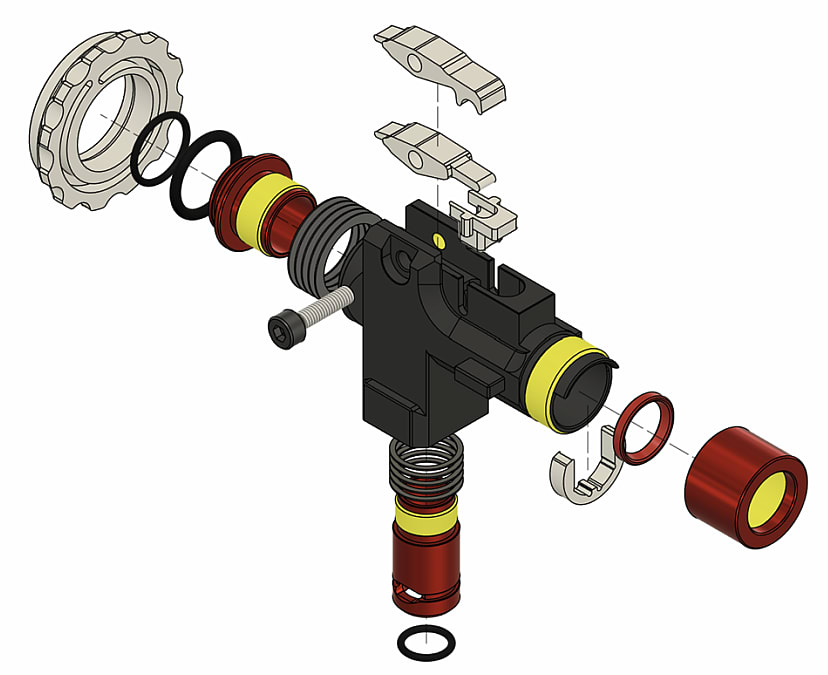
How the version affects the kit
Each version requires a specific kit designed for it. :contentReference[oaicite:0]{index=0}
This is not a minor difference — it directly impacts real compatibility.
Trying to adapt the wrong kit usually leads to:
- forced assembly
- poor alignment
- unnecessary modifications
Practical recommendation
If you’re not 100% sure, don’t guess. It’s better to confirm with photos than fix problems later — especially if the part has been modified or repainted, where color can mislead but geometry does not.
002
Quick FAQ
What is the fastest way to identify V2?
The side notch on both sides — the most reliable indicator.
Is color enough to identify the version?
Helpful, but not always enough. Combine color and geometry if possible.
Does each version need a different kit?
Yes — each version has its own compatible kit.
What if I’m unsure?
Send clear photos of the part, especially the sides, before ordering.
Conclusion
With Retro Arms, identifying the correct version is what determines whether your assembly will be smooth or problematic from the start. Basic, CNC Ultra, and V2 are not interchangeable — they have clear visual differences and require different kits.
If you want to avoid mistakes, remember this:
check the color, check the sides, and confirm the V2 notch.
If you’re still unsure, a quick message with photos is usually faster than guessing.
Related products
Explore these designs from the same topic: